this post was submitted on 01 Jan 2026
1234 points (98.5% liked)
Microblog Memes
10160 readers
4216 users here now
A place to share screenshots of Microblog posts, whether from Mastodon, tumblr, ~~Twitter~~ X, KBin, Threads or elsewhere.
Created as an evolution of White People Twitter and other tweet-capture subreddits.
Rules:
- Please put at least one word relevant to the post in the post title.
- Be nice.
- No advertising, brand promotion or guerilla marketing.
- Posters are encouraged to link to the toot or tweet etc in the description of posts.
Related communities:
founded 2 years ago
MODERATORS
you are viewing a single comment's thread
view the rest of the comments
view the rest of the comments
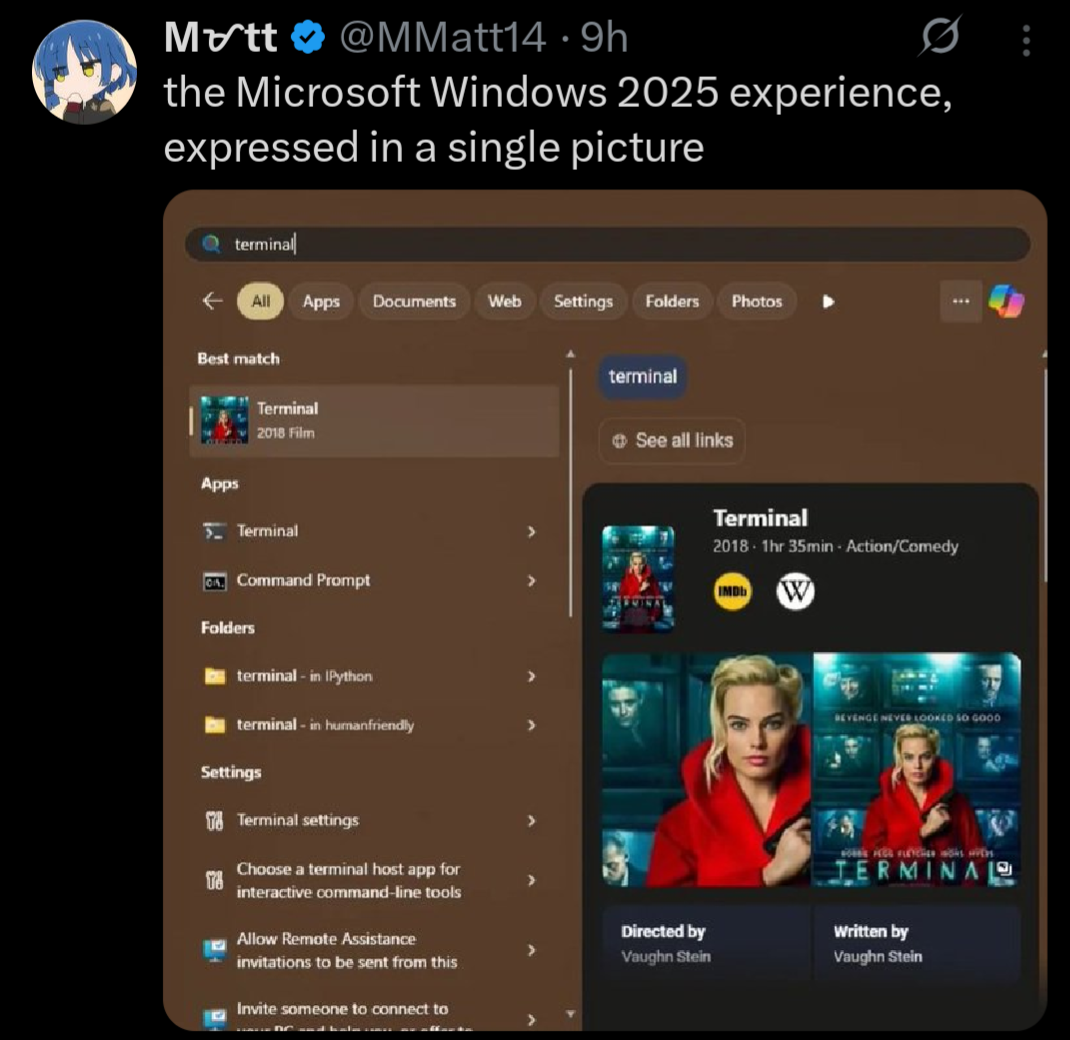
Unrelated to that exact image but I'm gonna rant about other windows shit because I feel like it.
Windows decided my page file needed to be 80 GB. I do not want it to be 90 GB. I go to the start menu and search up "page file" to see if there's a settings menu. First result is a random file in an application's directory that can't be opened/displayed by any program on my PC, then a list of other unrelated files.
So I open Control Panel, hoping to find it where I did before, and I click on
System. What do you know, that menu no longer exists, and redirects to Windows Settings. Where do I go from here? Maybe the giantInstalled RAMsection because the page file is just a (overly simplified) method of extending your memory to your disk? No, of course not, that menu's not actually a menu, it's just a stat counter.Instead, I have to go to Device Specifications, then the section titled
Related links, then clickAdvanced system settings. Oh whaddaya know? Now I'm in the settings menu that used to be behind the originalSystemoption in Control Panel!Now I'm in the Advanced tab of that menu. But where do I go from here? That's right,
Performance Options, and then anotherAdvancedtab!!!Then I have to click the
Changebutton, where Windows has... conveniently enabledSystem managed sizeso it could choose to set my page file to 80 GB.I edit, it, hit
Ok, have to hitApplyin the other menu too, have to close out the no-longer-needed Settings and Control Panel windows that only served as a maze to get me here in the first place, and THEN I can restart my computer to reduce the size of the page file, even though it is currently not in use by any program, and all data is in RAM, and the file could reasonably be shrunk by the system at any time.After the restart, this process begins all over again, because this is my third attempt, and Windows automatically reverts back to managing the size itself, and sets it to 80 GB. I have 5 GB of storage space left on my disk.
Had to go through this the other day. At the third consecutive "advanced settings" menu I wondered if this was some kind of sick joke